It listens
Talk to it: ask a question, explain a problem, or ask it to go through a task with you. You can also write to it, and attach a photo or a document.
Talk to it, show it your workbench. Edou points out where to act on the image, checks your work when you say “done,” and stays with you until you get the result.
Do you represent a training center? Request a demo

An assistant you talk to, that sees what you do, and that stays with you to the end.
Talk to it: ask a question, explain a problem, or ask it to go through a task with you. You can also write to it, and attach a photo or a document.
Through the camera (or the shared screen, on a computer), it sees your workbench, your parts and your hands.
One step at a time. Ask it to show you: it circles the part and points an arrow. Say “done”: it checks.
It waits for you. If the network drops, it pauses. If you don’t understand, ask: it explains another way.
One session, in five moments.
Help me wire this LED.
 “Okay, let’s start with the LED.”
You tell it what you want to do.
Camera toward the workbench.
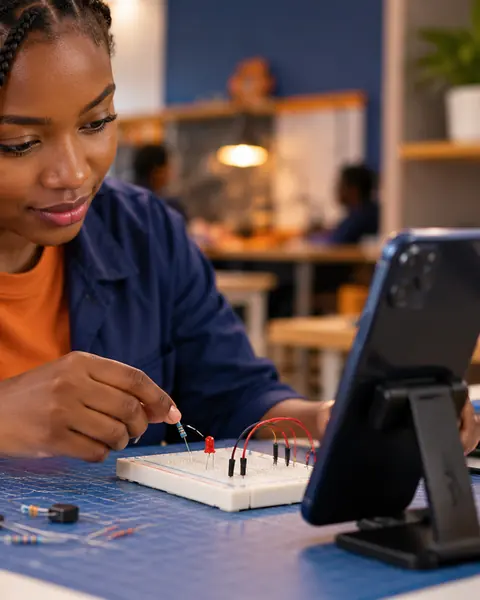 Live
LiveThe phone watches your parts and your hands.
Show me the LED.
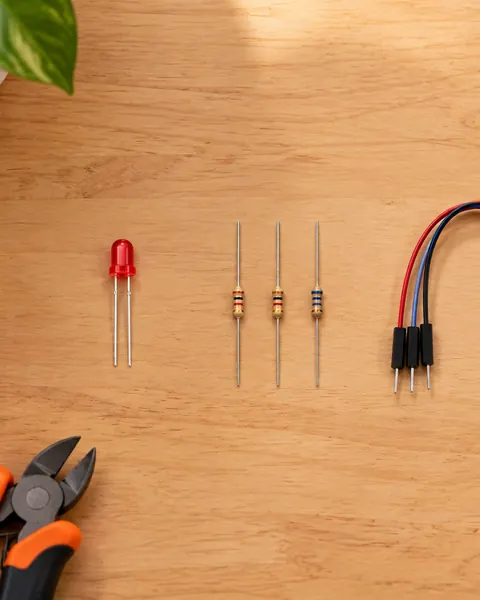 Step 2 of 5Place the LED on the breadboard.
It circles the LED right on the image.
Where do I put it?
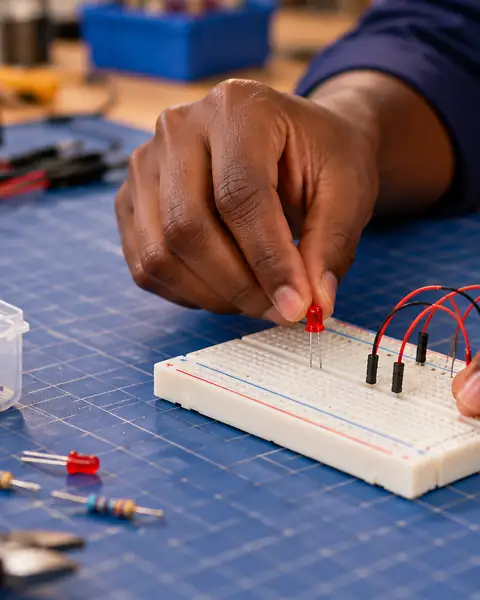
You place it; it answers, and the arrow shows where to look.
Is that right?
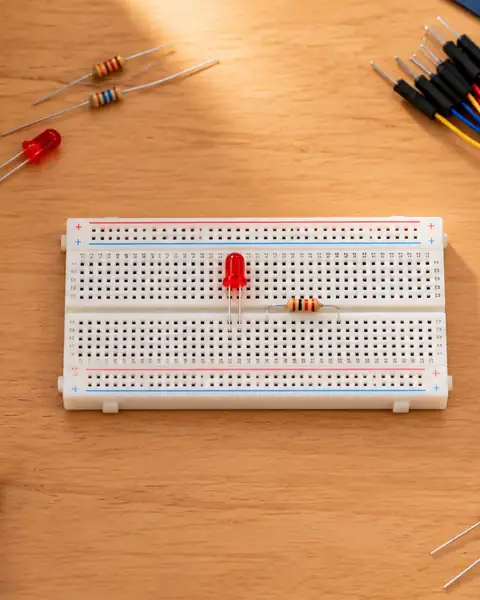 ✓ Verified
It checks on two images before answering you.
 “Let’s pick up: the battery is still to wire.”
Projects and memory
Your files, your instructions, your level and your conversations stay in your project. You see what Edou remembers, you correct it, you erase it. Tomorrow, you pick up where you left off.
Start with the equipment you already have.
 Live
LiveCamera, voice and screen on the phone. Your hands stay free.
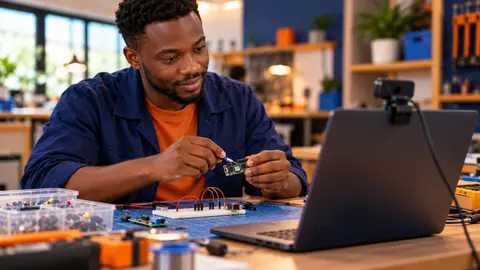
The webcam or a connected camera; the guide large on the screen.

The phone films the workbench; the computer shows the guide and speaks. Scan a code to link them.
Real gestures, on real parts. Risky tasks may be limited or refused.
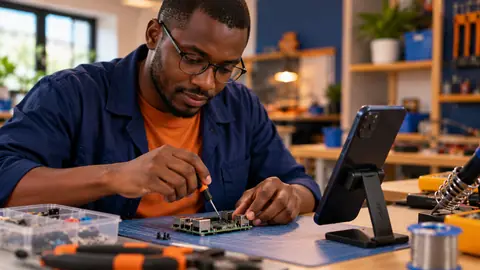
Build a circuit on a breadboard.
The LED’s long leg goes to the plus side.

Take a part apart and put it back together.
Take the 12 mm wrench. Loosen the left nut first.

Check a spark plug.
Show me the spark plug: I’ll check the wear.
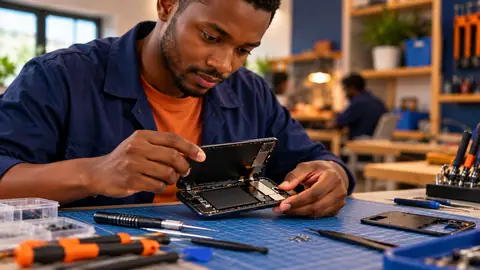
Open a phone without breaking anything.
This ribbon cable unclips upward.

Install a memory module.
It goes into the slot closest to the processor.

Make a clean hem.
Press the hem before you sew.
During a practical session, a trainer cannot be next to every learner. Edou supports each one while the trainer moves around the room.

No. A phone with a camera is enough. A computer is a plus, for a large screen.
Edou limits the data it sends: an image goes out when the scene changes (at most one per second), otherwise one every 10 seconds. Tests on the slowest mobile networks are still in progress.
Edou pauses the session, tells you, and resumes when the network returns. No step is confirmed during the outage.
Kemain does not record them: they are used to guide you during the session. They go through Google’s AI, which may keep exchanges for up to 55 days to detect abuse, without using them to train its models.
A recent phone with an up-to-date browser; the exact list will be published after the Android tests.
Yes. A center adds its members, writes its procedures and has them approved by another person; its trainers follow their learners’ progress and usage, and answer their calls during Edou Live.
Prices are not published yet. There will be a way to try Edou, then plans based on use.
Yes, like any AI. That is why it looks twice, on two different images, before confirming a step: if it is not sure, it does not confirm, and it tells you.
Explain what you want to do. Show your work. Edou supports you to the last step.